
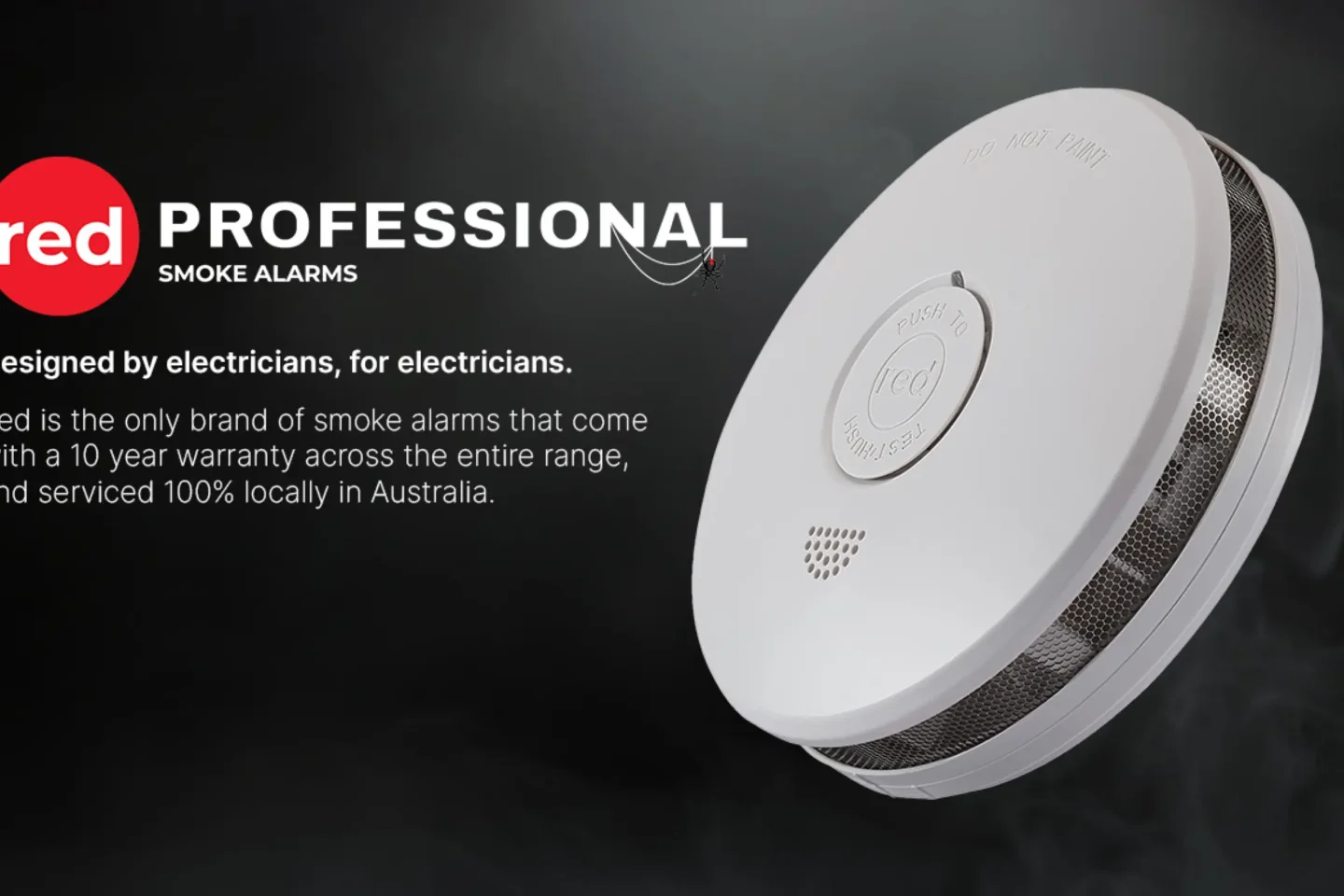
In today’s busy world where home safety is a top concern, customers expect a seamless digital experience when booking smoke alarm services. Red Smoke Alarms, a leading provider in Australia, wanted their site to deliver an intuitive, efficient service booking flow while capturing detailed customer requests across their diverse service offerings.
Key Tools & Technologies:
 WordPress
Gravity Forms
Salesforce CRM
WordPress
Gravity Forms
Salesforce CRM
 Custom CSS & UI Styling
UI/UX Best Practices
Custom CSS & UI Styling
UI/UX Best Practices
My Role & Scope
Served as Web Designer, UX/UI Strategist, Salesforce-WordPress Integrator, and QA Tester over a 5-week project lifecycle.
The scope encompassed needs discovery via client workshops and workflow mapping, custom multi-step Gravity Form development with conditional logic, Salesforce custom object/field creation, real-time data mapping, mobile-first UI customization, and end-to-end QA testing.
The Challenge
Red Smoke Alarms needed an all-in-one booking journey that catered seamlessly to homeowners, landlords, and strata managers.
The main challenge was creating a robust, dynamic multi-step form that adapted based on chosen service types – collecting precise compliance and address information while remaining visually appealing and effortless for non-technical users. Tight real-time integration between WordPress (Gravity Forms) and Salesforce CRM was essential to make all submissions instantly actionable for sales and operations teams.
Research & Key Persona
Mapped the entire booking-to-service workflow in collaboration with the client to establish exact data requirements for compliance records and quoting. Evaluated common booking friction points in the Australian home safety sector – identifying overly long forms and generic plugin aesthetics as primary user drop-off triggers.
Needs to book a smoke alarm compliance check quickly during work breaks; gets frustrated by generic, cluttered forms with irrelevant steps; requires complete confidence that her property address and safety details are handled securely.
Key Solutions & Salesforce Integration
Built a custom multi-page Gravity Form with conditional fields and dynamic validation – ensuring users only see steps relevant to their specific service (Install, Service, or Compliance). Applied custom CSS to match the brand identity of redsmokealarms.com.au seamlessly.
Defined new custom objects and fields in Salesforce CRM, using advanced mapping to push all form entries in real time:
| Gravity Form Input Field | Salesforce CRM Lead Object |
|---|---|
| Full Name | Salesforce Lead Name |
| Email Address | Lead Email |
| Selected Service Type | Custom Field (Lead Source / Interest) |
| Property & Booking Details | Notes Field |
| Consent Checkbox | Marketing Opt-In (Boolean) |
Process & Notable Features
Process Iterations: Started with workflow diagrams and service scopes, constructed prototype structures for live client demos, iterated field sequences based on feedback, and conducted rigorous cross-system QA simulating edge-case submissions across all service variations.
Step-by-step booking contextually adapting to user choices; intuitive progress indicators and clear error handling; questions worded simply for non-technical users; clean, modern UI matching site typography and palette; invisible handoff ensuring users never notice the transition to Salesforce.
Retrospective & Business Impact
This project highlighted the importance of aligning technical integrations with real user needs. The final solution gives Red Smoke Alarms a competitive edge through a professional booking journey from the very first click, while empowering sales and operations teams to act immediately on contextual leads.
Managing end-to-end UX, CRM data integration, and branded UI polish as a solo consultant deepened my expertise in bridging business workflows, front-end design, and enterprise CRM architecture.