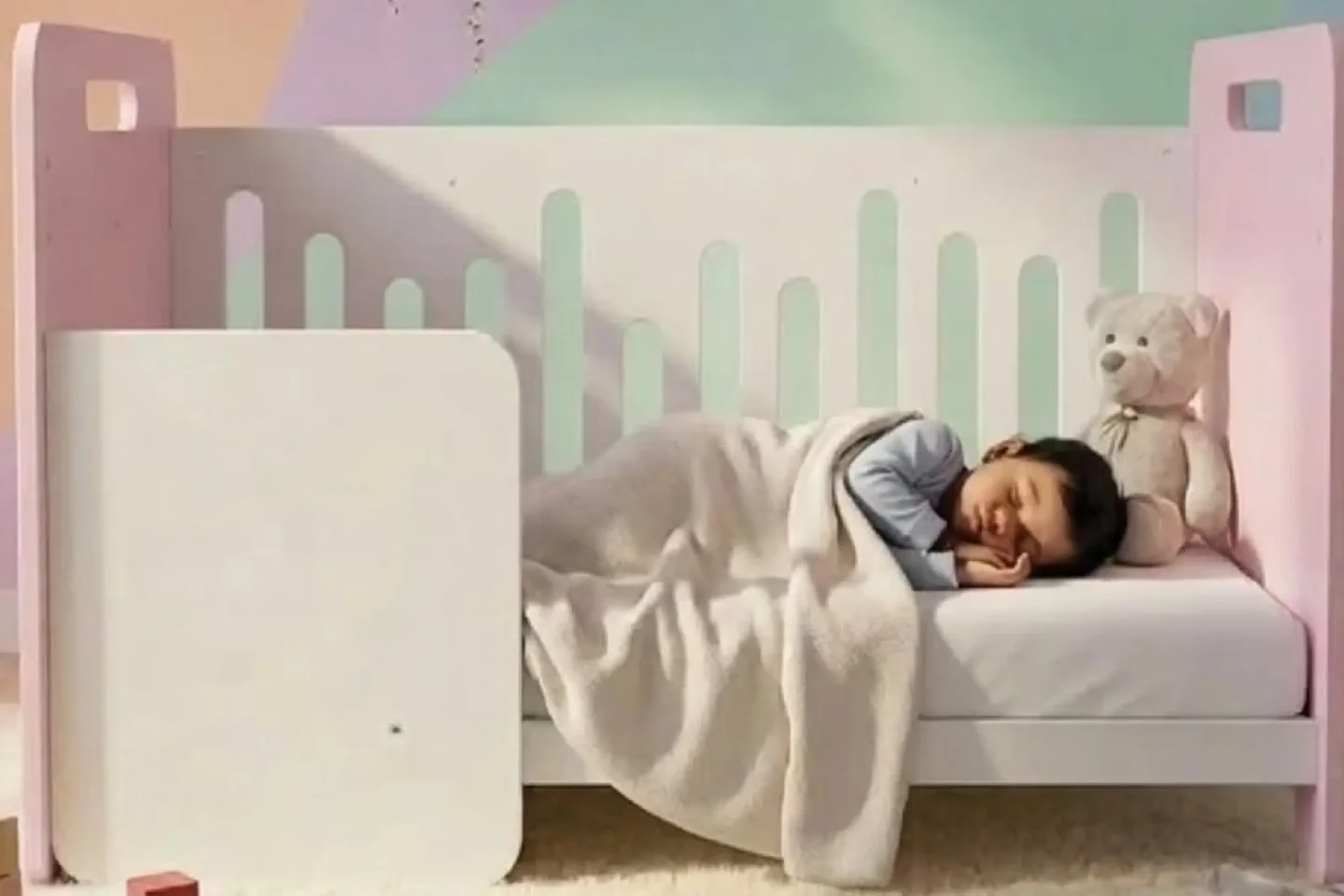
In today’s busy world, parents and guardians seek reliable and intuitive ways to monitor their babies’ well-being remotely. The Smart Nest baby monitor device offers advanced video monitoring, environmental sensing, and soothing functionalities, but its companion app needed a user-centric design overhaul for a more seamless and engaging experience.
Key Tools & Technologies:
 Adobe XD
UserTesting.com
Marvel App
Adobe XD
UserTesting.com
Marvel App
My Role & Scope
Served as the sole UX Researcher, UX Strategist, and UI Designer responsible for the end-to-end design lifecycle over a 4-month period.
The scope encompassed need finding, user & market research, gamification strategy, branding & design guide creation, rapid prototyping, and multiple rounds of usability testing.
The Challenge
The core challenge was to design an app interface that could cater to parents’ needs for real-time video monitoring, mood detection, environmental controls, and soothing audio playback—all while ensuring simplicity and ease of use for users in varying tech comfort zones.
The app had to incorporate multiple functionalities without overwhelming the user, providing smooth navigation between monitoring, control features, and baby profiles.
Research & User Persona
To understand the needs and experiences of parents and guardians using baby monitoring systems, I conducted interviews with three participants who shared their daily challenges and workarounds with existing baby monitor apps. The feedback revealed frustration around complex interfaces and limited functionalities for managing multiple facets of baby care from a single app.
Demographics: Age 32 | Location: Pune, India | Occupation: Working Professional (Remote Work Setup)
Behavior: Gauri balances work-from-home responsibilities while caring for her infant. She relies on technology to keep track of her baby’s well-being throughout the day. She uses shared devices with family members and values simple, real-time monitoring that fits easily into her routine.
Frustrations: Finds current baby monitor apps confusing with multiple screens and unclear navigation; concerned about missing subtle cues in the baby’s mood or temperature alerts; wishes for easier control over soothing features like lullabies and crib lights without disrupting other functions.
Motivations & Needs: A unified app with clear, intuitive screens for live monitoring, environmental controls, and baby profile management; real-time mood/status updates integrated with video feed for peace of mind; smooth multi-camera handling for comprehensive crib coverage; easy selection and control of lullabies and soothing options.
Key Design Implementations & Testing
The app’s primary screen featured a live baby video feed from the crib camera with an overlay showing baby mood/status flags, crib temperature, and quick access control buttons. A lullaby screen was designed for parents to select soothing music on repeat or shuffle modes. Standout revised features included multi-camera select functionality on the home screen, a pull-up drawer-style profile manager, a baby memories gallery, and comprehensive crib control menus.
Prioritized the feature backlog for a 4-week MVP sprint. The primary goal was communicating ‘less but top-rated’ options to speed up parental decision-making:
Paper Prototype: Users found the initial ‘Help Me Find’ feature daunting and unclear in its utility.
Hi-Fi Version 1: Added a top image banner navigating to a separate screen introducing gamification (‘Spin the Wheel’ shuffle) alongside filter controls. Users requested explanatory context before clicking.
Hi-Fi Version 2 & 3: Added onboarding info screens and context copy. Users liked the shuffle and filter features but struggled to locate them via the top banner. For Hi-Fi V3, relocated both features directly onto the main ‘Content Selection’ screen, resolving navigation friction.
Future Development & Retrospective
Future Roadmap: Planned enhancements include integrating smart alerts powered by baby mood analytics, expanding lullaby libraries with regional and cultural sounds, and incorporating AI-driven sleep pattern recommendations to evolve the tool into a comprehensive parenting assistant.
Retrospective: This project reinforced how critical user empathy is in designing childcare technology. Focusing deeply on Indian parents’ daily realities and global user habits helped craft an app that balances advanced features with simplicity. Managing the complete lifecycle independently strengthened my end-to-end UX research, rapid prototyping, and iterative testing capabilities.